Wellcore Creatine QR Code: How to Scan It
If your Wellcore creatine jar has a QR code, scan it carefully and check where it leads. The QR code can guide you to the brand’s verification process, but the important step is to confirm the website is official and complete the unique-code check when prompted.
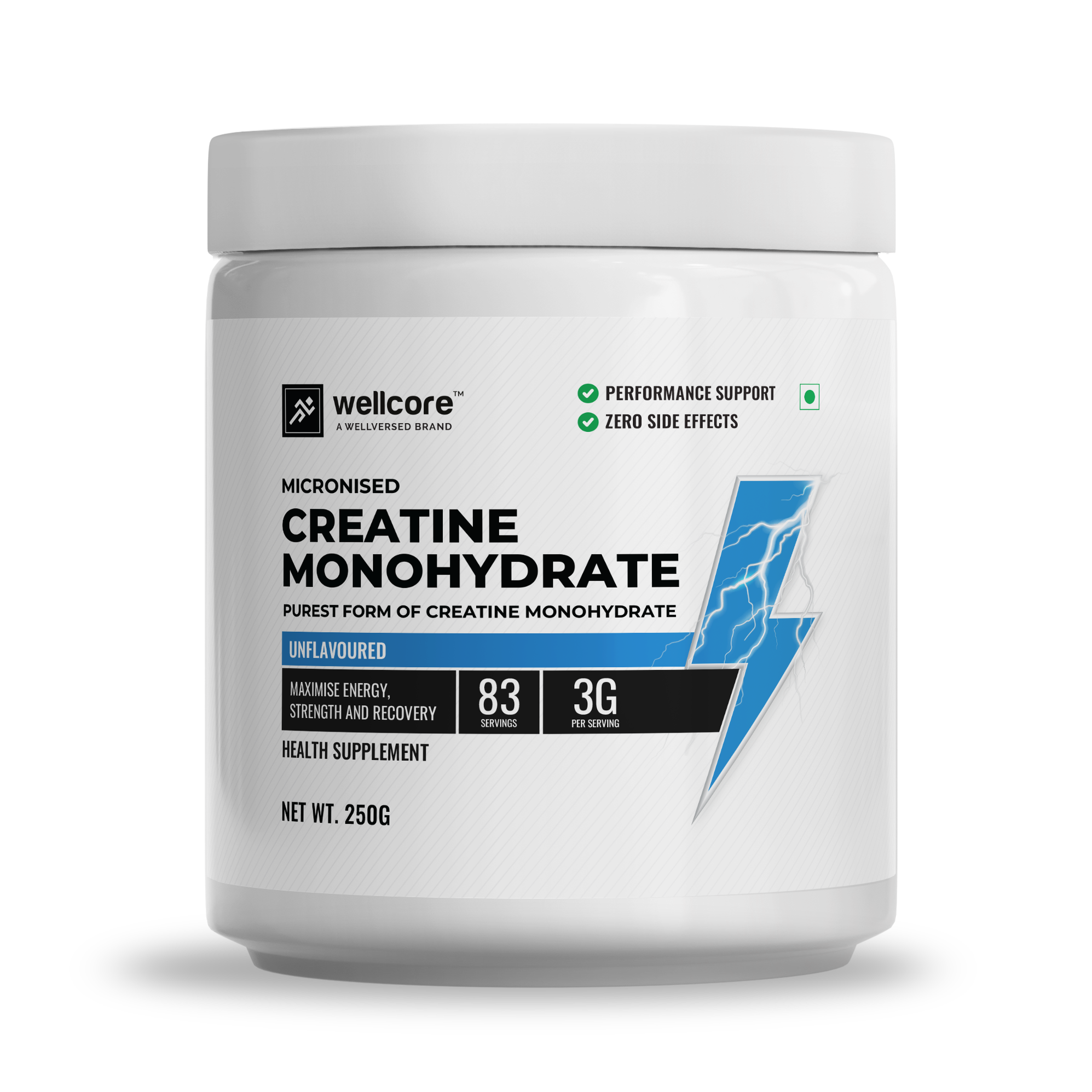
Check the exact variant, seller, pack size and return information before ordering.
View Amazon India listingsHow to Scan the Wellcore Creatine QR Code
Find the sticker
Look for the authentication sticker inside the jar. Wellversed says there may be more than one version of the sticker.
Open your camera
Use your phone’s built-in camera or QR scanner. Hold it steady, use good lighting and keep the full QR pattern in frame.
Check the destination
Before opening the link, inspect the domain. The official instructions identify wellversed.in as the verification website.
Does scanning the QR alone prove the product is original?
No. Scanning is a way to reach the verification process. A QR image can be copied, and a code can be reused or reported. Confirm the website address and follow the brand’s actual code-verification steps. Do not treat the QR symbol printed on a jar as proof by itself.
What should the QR code open?
Wellversed’s official authenticator explains that the QR should lead to its website, where you can submit the unique code. If your phone opens an unrelated website, an unfamiliar domain or a link asking for payment details, do not continue. Instead, type the official authenticator address into your browser manually.
Wellcore Creatine QR Scan and Code Check
The official instructions describe a process that goes beyond scanning. Locate the authenticator sticker inside the jar, gently scratch the silver panel to reveal the 13-digit numeric code, then enter it on the official site with the requested details. The authenticator states that each code can only be verified once.
- Confirm you are on the genuine Wellversed domain.
- Reveal the hidden numeric code without damaging the digits.
- Enter the code carefully and submit it as instructed.
- Read the exact result message and save a screenshot.
- If the result is invalid or already checked unexpectedly, contact official support before using the product.
Why a QR code and a unique code are different
The QR code is a scannable link or data carrier. The unique code is the individual code under the scratch-off panel that the manufacturer’s system checks. A barcode, product SKU, batch number and expiry date serve different purposes. If the site asks for a unique code, do not enter the batch number instead.
| What you see | Purpose | Next step |
|---|---|---|
| QR code | Opens a destination or verification page | Check the domain before proceeding |
| 13-digit scratch code | Unique code submitted to authenticator | Enter it on official verifier |
| Batch/lot number | Identifies a production batch | Save it for support or lab-report comparison |
| Barcode or SKU | Retail/product identification | Do not treat it as authenticity verification |
Wellcore Creatine Scanner Not Working? Try These Steps
Camera will not recognise the QR
Clean the camera lens, improve lighting, reduce glare and hold the phone steady. Make sure the sticker is flat enough to scan and the entire code is visible. If it remains unreadable, use the official authenticator URL directly instead of downloading an unfamiliar scanner app.
The QR link looks suspicious
Close the page and do not enter personal information. Type wellversed.in/pages/authenticator manually. If the printed QR repeatedly leads somewhere unexpected, photograph it and report the issue to the manufacturer.
The unique code is invalid
Double-check each digit and avoid including spaces. If it still fails, save photos of the label and result, then contact Wellversed. The official page says an invalid code may mean the product is not authentic, so do not simply ignore the warning.
The code says it has already been checked
The brand states each code can only be verified once. If you did not previously submit it, ask support to investigate. Provide your invoice, seller, batch number and photographs. Do not share the full code publicly.
Frequently Asked Questions
Where is the Wellcore creatine QR code?
Check the authentication sticker inside the jar. Packaging can vary, so follow the official instructions for the version you receive.
Can I scan Wellcore creatine with my phone camera?
Yes, a built-in camera that recognises QR codes is usually enough. Check the destination domain before opening it.
Does the QR code verify authenticity automatically?
Not by itself. Follow the manufacturer’s instructions to reveal and submit the unique numeric code on the official authenticator.
What is the Wellcore creatine unique code?
It is the 13-digit numeric code under the scratch-off panel on the authentication sticker inside the jar.
What if the QR code is damaged?
Visit the official authenticator manually and contact Wellversed support if you cannot locate or read the unique code.
Is it safe to use a QR scanner app?
Your phone’s built-in camera is generally sufficient. Avoid installing unknown apps or entering sensitive information on unfamiliar websites.
What if my code was already checked?
Because the official system says codes can be verified once, contact support if you did not check it before and ask them to review your evidence.
Related Wellcore Creatine Guides
Sources checked 14 October 2026: Wellversed official authenticator and official authenticator instructions. We recommend opening primary sources directly because verification procedures, lab reports, product labels and availability can change.